MONK Blog / Essay
What changes in a design studio when twenty students, all their folders, and every draft live on one shared, zoomable canvas.
FROM THE STUDIO
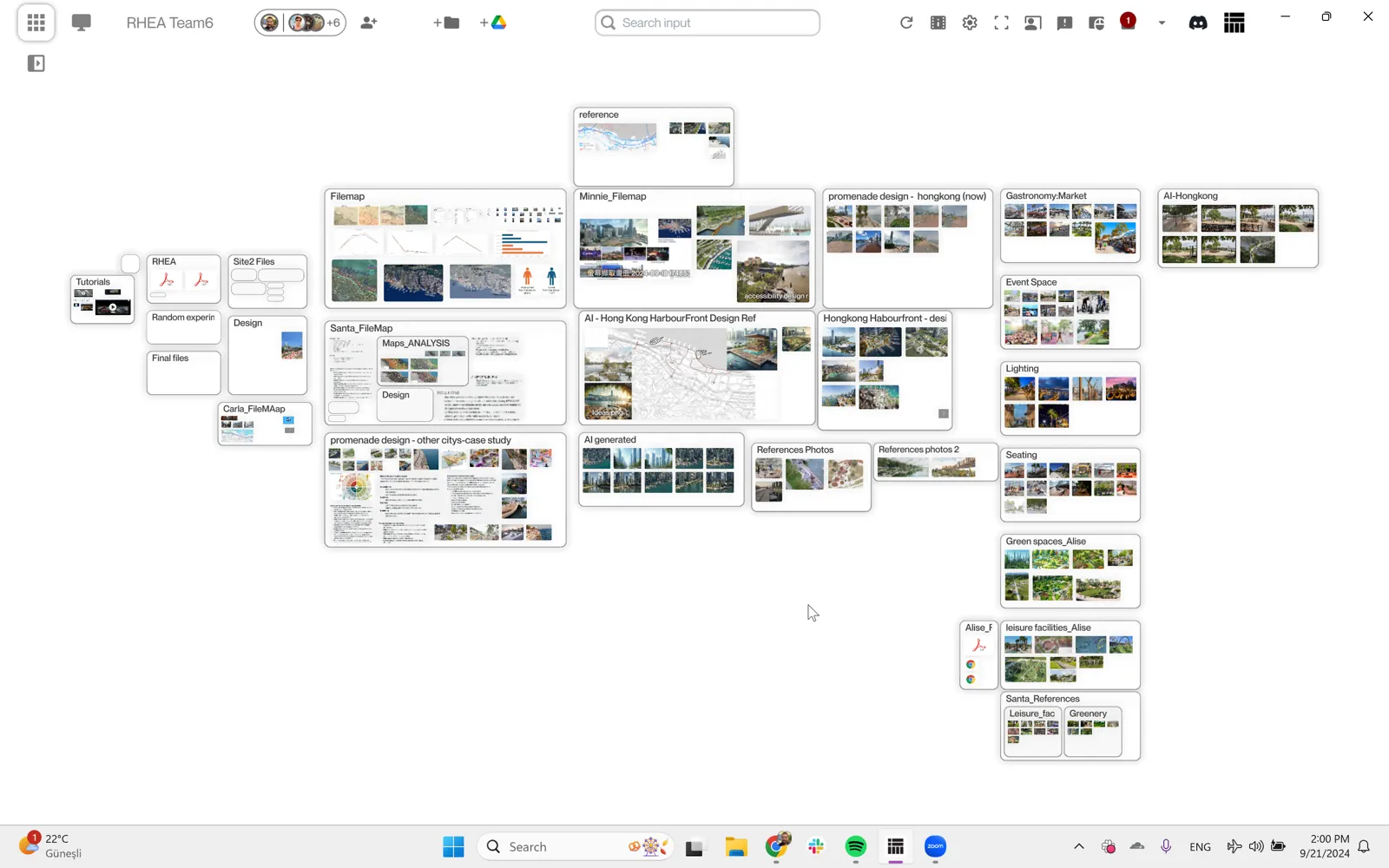
Zoom out far enough and a design studio looks like a small city. Twenty neighborhoods of work, each with its own density and its own weather: sketches piling up in one corner, a 3D model growing in another, a research folder quietly doubling overnight.
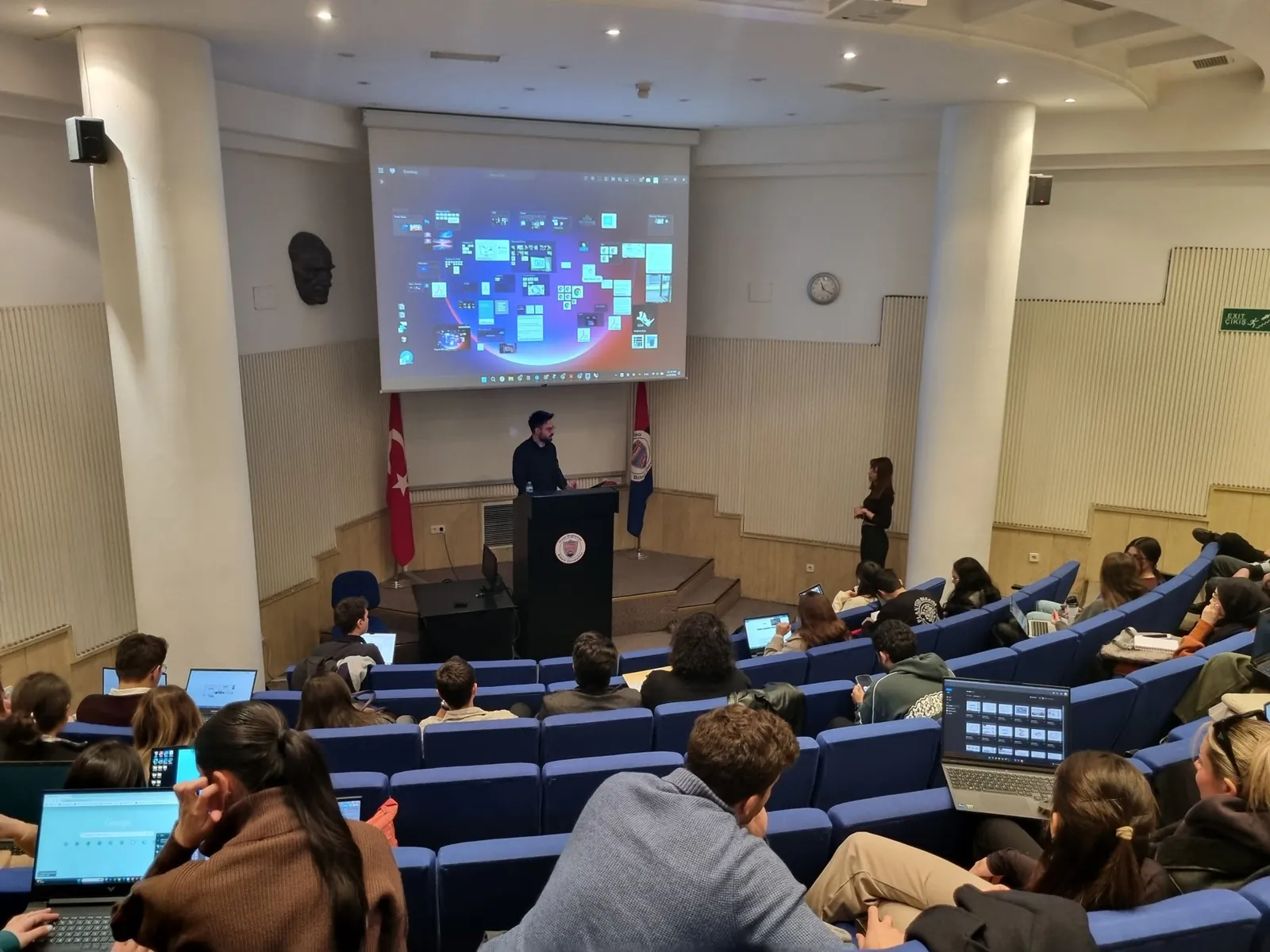
In the spring of the 2024-2025 academic year, a studio of twenty students at the ITU Faculty of Architecture ran on exactly that view: one shared, zoomable canvas holding every student's project folder at once. Not screenshots of the work. The work itself, live, connected to the folders where it actually lives. I have now watched classes work this way often enough to believe the change is bigger than a nicer interface. It changes what a studio is.
WHERE THIS COMES FROM
I studied architecture and design, and I worked in architecture and industrial design in Turkey and the United States. In every studio I sat in, the real work lived in folders, and a folder is a poor place for design to live. A folder tree shows you names and dates. It hides everything a studio actually cares about: what came before this version, what was tried and thrown away, what the research looked like, how the project moved.
A folder tree hides process; a canvas shows it.
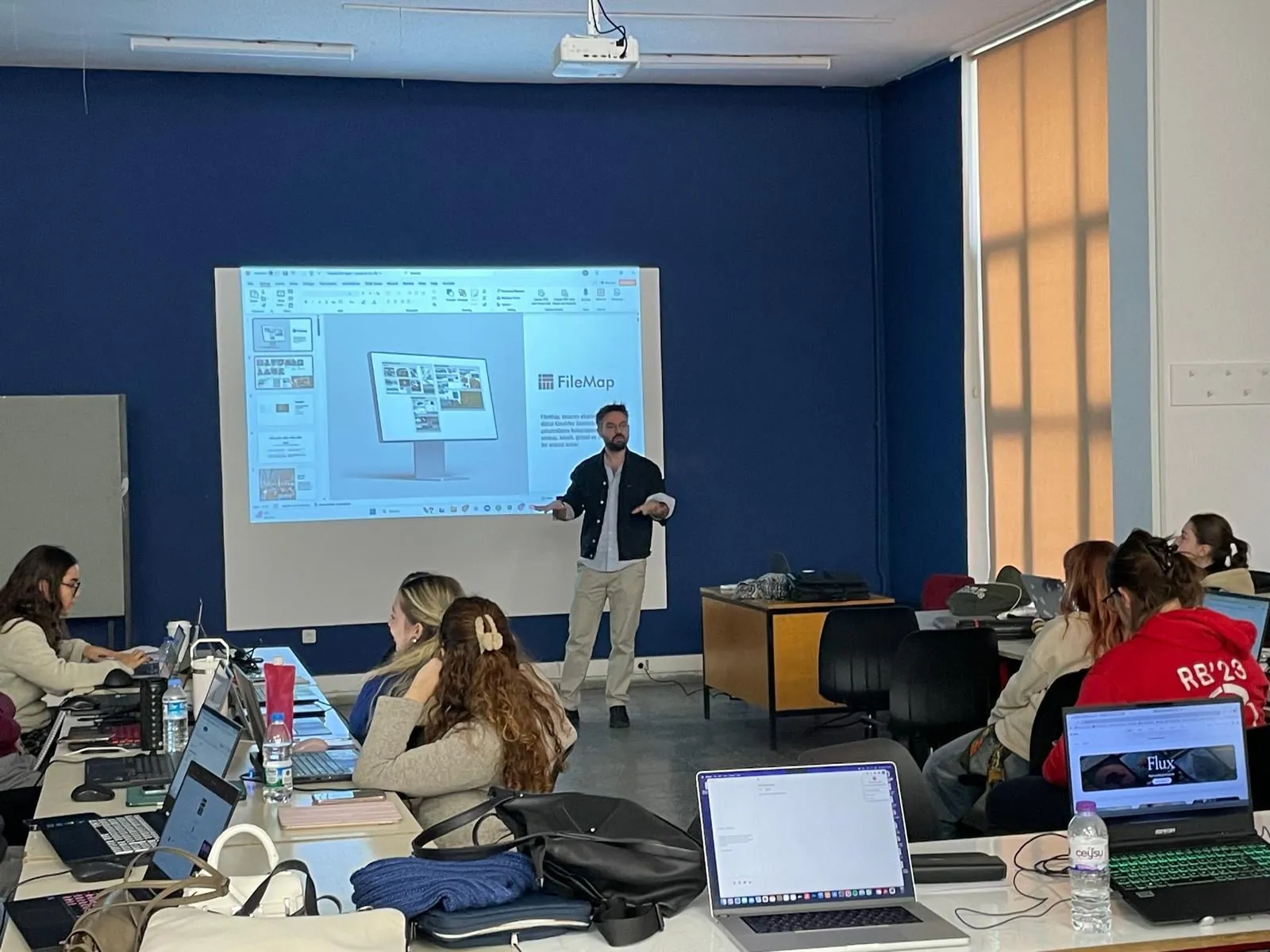
That is why I built FileMap: so that students and studio coordinators could see, share, and use their project folders visually, the way designers already think. Its educational life began at the University of Maryland, and it has since run in studio courses at ITU, METU, TOBB, and Yildiz Technical University. Everything in this essay comes from those rooms, not from a demo.
HOW IT WORKS
The mechanics are simple to describe. Each student's or group's folder, local or on Google Drive, is represented on the canvas. Folders and subfolders are visible at the same time, and the layout is free: you can arrange work like a whiteboard, a desktop, or a storyboard, and rearrange it for a presentation in a moment.
The connection runs both ways. Rearrange things on the canvas and the connected folder changes; drop a file into your folder and it appears on the canvas. Everyone's cursor is visible in the space, so during a shared session you can see where the room's attention is, the way a crowd gathering around one desk tells you something in a physical studio.
TEACHING
For instructors, the first change is continuity. A studio normally shows you student work in episodes: the desk crit, the interim review, the final jury, always curated for the occasion. On the canvas you see all of it, all the time: process, drafts, research, 3D files, not only the polished final board. Tracking and supporting progress stops being an event and becomes a background condition of the course.
Instructors live on the canvas too. Shared folders with course materials, readings, and videos sit in the same space as the students' work, and permissions decide who can download and edit what. Students connect the folders they choose to share; the canvas shows what they have decided to show.
The instructor's craft shifts with it: less collecting of deliverables, more reading and steering a living map of the class. Which is close to how the best studio teachers always worked, walking the room, glancing at every desk. The canvas gives that walk a place to happen when the desks are digital.

PEERS
The second change belongs to the students. On one canvas they see each other's work and each other's research, not once at the review but every day. Learning starts to move sideways. Someone figures out a technique or finds a strong reference, and everyone nearby absorbs it without a lesson ever being taught. Seeing good work up close raises the ambient standard of the room.
Ambition is contagious when it is visible.
I want to be careful here, because I know how software usually talks about classrooms. I do not measure this studio in hours spent staring at the canvas, and I do not want one optimized for engagement. The question I care about is capability: can this student do something in week ten that they could not do in week two, and did the room around them help. A tool for education should leave people larger than it found them, not more captive.
JURIES
Reviews change shape. Presentations happen inside the same space where the work lives, so they are always current with the latest files, and 2D and 3D work opens instantly. The night-before ritual of exporting images and assembling a deck quietly disappears; the presentation is the project, arranged.
Juries and interim reviews become live. Any file can be opened on the spot, and any student's process can be traced back through their drafts. The conversation moves from what is this image to show me how you got here, which is the conversation a jury was always meant to be.

THE POINT
Here is what I think is actually going on. In design education, the process is the curriculum. How you research, iterate, discard, and return: that is what a studio teaches. The final board is just the receipt.
Software that hides process behind file names works, quietly, against the school. Software that makes process visible turns the studio itself into a legible, shared object: a map the whole class can read and learn from. Designers already think in space; we remember where things are long after we forget what they were called. A canvas meets that habit instead of fighting it.
None of this was designed on a whiteboard and left there. It was built, put into real studios with real deadlines and real juries, and reshaped by what those rooms taught us. That is how I want to keep working: make the process visible, then let the process teach. It works for buildings. It turns out it works for classes too.